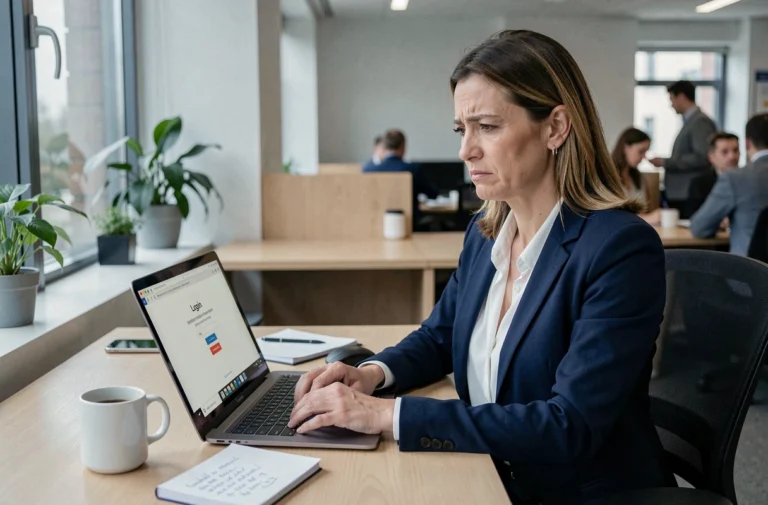
The MyPeopleDoc vault is linked to the employee, not the company. The entire continuity mechanism relies on the personal email address declared in the account. If not anticipated, a change of employer can complicate access to archived documents, or even require going through support with no guarantee of timing.
Personal email address and linking of the MyPeopleDoc vault
The MyPeopleDoc account operates on a unique linking principle: one personal email address = one lasting vault. The employer triggers the initial invitation, but it is the address provided by the employee that determines the persistence of access after the employment contract ends.
If the account was activated with a professional address (e.g., [email protected]), the situation becomes complicated as soon as this email box is deactivated by the IT department of the former employer. Password reset becomes impossible since the recovery link goes to an address that is now inaccessible.
We recommend checking, before any departure procedure, which address is associated with the account. This can be done in the account settings, under personal information. If a professional address is listed, it is necessary to maintain access to My People Docs by switching to a lasting personal address (Gmail, Outlook, ProtonMail) while access to the account is still active.
Centralization of documents between two employers on MyPeopleDoc

A technical point that public guides almost never explain: documents from two successive employers coexist in the same vault, without creating a second account. The condition is strict: the new HR service must send the MyPeopleDoc invitation to the same personal email address already registered.
In practice, pay slips, contracts, and certificates from the former employer remain accessible. Documents from the new employer are added chronologically. The employee has a unique space that aggregates all of their HR documentary life, regardless of the number of positions held.
If the new employer sends the invitation to a different address, a second vault is created. The two spaces do not automatically merge. To avoid this fragmentation, we recommend communicating the exact address already used on MyPeopleDoc to the new employer’s HR service. No tool on the employee’s side allows merging two vaults afterward.
Account linking and technical limits
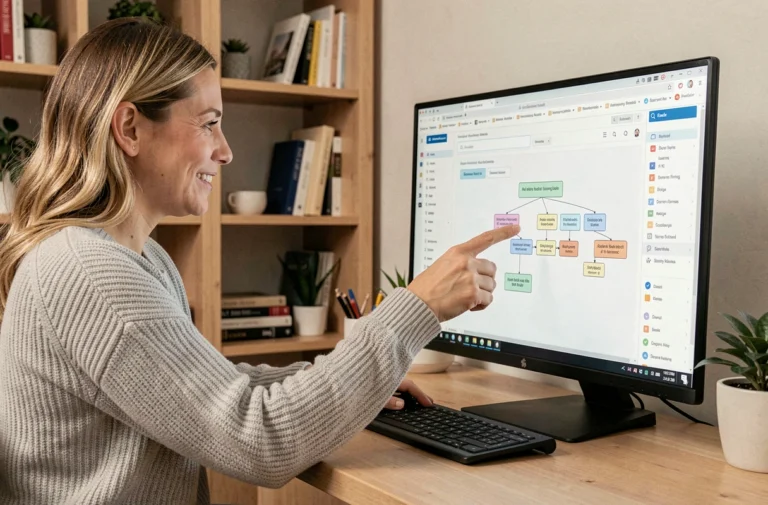
The official documentation from Novapost (the platform’s publisher) mentions an account linking feature. It allows multiple employer spaces to be linked under a single authentication. This linking does not merge documents into a single vault: it facilitates navigation between distinct spaces from a single identifier.
The distinction is significant. Account linking does not replace upstream prevention (same email address). It offers an ergonomic workaround, not true centralization.
Long-term archiving and legal value after leaving the company
MyPeopleDoc stands out from internal document management solutions by committing to long-term archiving. Digital pay slips are retained for 50 years through a third-party archiver with legal value (Arkhineo), in accordance with the obligations set forth by article L3243-2 of the Labor Code.
This changes the game compared to simple cloud storage. Legal value means that archived documents are legally enforceable: timestamping, file integrity, certified chain of custody. In the event of a labor dispute or career reconstruction for retirement, a pay slip extracted from MyPeopleDoc has the same value as a paper original.
Leaving the company does not break this archiving chain. The vault remains active and accessible as long as the employee has their credentials. The former employer loses the ability to deposit new documents but cannot delete or modify those already archived.
MyPeopleDoc recovery procedure in case of lost access
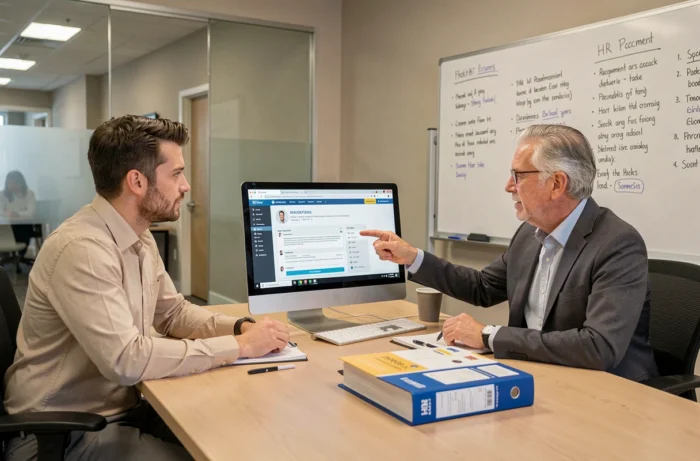
When the address switch has not been made before departure, recovery goes through Novapost support. The procedure requires identity verification, and processing times are not guaranteed.
Here are the steps to follow to maximize the chances of quick recovery:
- Access the login page mypeopledoc.com and use the “Forgot email address?” link to attempt identification through personal data (name, first name, date of birth).
- If this approach fails, contact support via the online form providing an ID, the former employer’s name, and, if possible, an old pay slip mentioning the email address used.
- Ensure that browser extensions (ad blockers, anti-trackers) do not block hCaptcha on the login page. A non-loaded CAPTCHA prevents any login attempt, even with correct credentials.
- Test from a browser without extensions or in private browsing before concluding there is a problem with the account.
Delay and alternatives if support does not respond
Novapost support processes requests without a contractual deadline commitment on the employee’s side. In practice, responses can take several weeks during peak periods (back to school, end of year).
No technical alternative allows bypassing this procedure. The employee cannot ask the former employer to resend an invitation once the employment contract has ended. The employer no longer has access to the employee’s profile in the administration interface.
The only truly effective measure remains prevention: switching the email address to a personal account as soon as the resignation letter is signed or the dismissal notification is received, without waiting for the last effective day in the company.